Most bullied kids never tell anyone.Let your community know kids need a safe, private way to speak up. Sign the Petition →
NEW: Active SOS Protect for Schools — Help Your School Stop Bullying & Improve Safety
Home About Us How It Works Compare Pricing Stand Up & Speak Up ★ App Use Cases Location Services Veteran Support Connect KonnectMD eMNS Emergency Notification Stop Bullying & School Safety ★ Protect — School Portal ★ Stand Up and Speak Up Resources ★ Sorority & Fraternity Safe ★ Blog Media Crisis Ready Network Contact
Protect for Schools KonnectMD Partner
▶ Watch the story Video thumbnail: Speak Up: Her Silence Almost Won. Then Someone Noticed. Speak Up: Her Silence Almost Won. Then Someone Noticed.
Active SOS Protect — School Safety Platform

Every Student Deserves a
Safe Way to Speak Up.

Active SOS Protect gives students a private, discreet way to report bullying and crisis situations by text, QR code, or web page, with an anonymous option — while giving counselors and administrators a real-time dashboard to act on every report.

"What students need most is a way to tell someone — without fear. Active SOS Protect gives them that voice."
The Reporting Gap in Schools
64%
of bullied students never report it — fear of retaliation or being seen
1 in 5
students experience bullying at school each year
8×
more likely to report through an anonymous digital tool vs. in person
72%
of teachers say they don't receive enough incident reports to intervene

Built by Active SOS — privacy-first, never sells data

Anonymous Option Available
Never Sells Student Data
Timestamped Reports
No App Required for Bystanders
School-Safe & FERPA-Aware
The Stand Up and Speak Up initiative

Stand Up and Speak Up. Free tools for kids, parents and schools.

Most bullied students never tell anyone. Stand Up and Speak Up gives every kid a safe, private way to tell someone, gives parents the words to start the conversation, and gives schools a clear plan to respond. Everything is free to download and print.

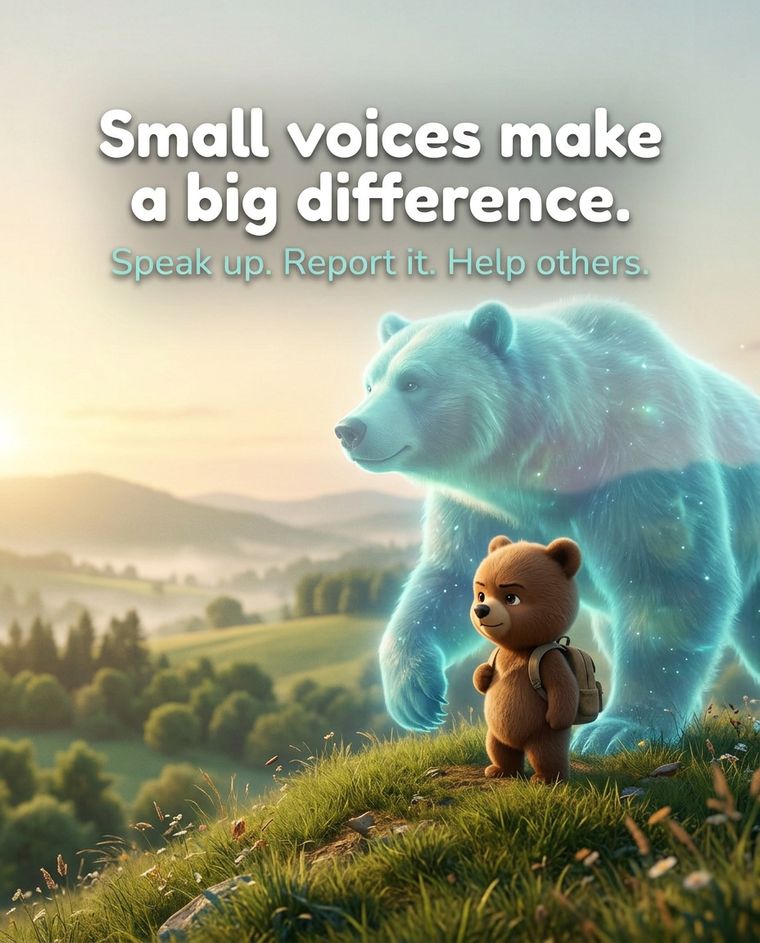
A small brown bear with a backpack stands on a hill beside a large glowing guardian bear. Text on the image reads: Small voices make a big difference. Speak up. Report it. Help others.
For kids and students

Speak up. It takes one minute.

Short, plain steps for telling someone, even if it did not happen to you.

  • How to send an alert card
  • Student wallet card
  • I saw it happen: bystander card
  • If it is online: what to do
Resources for Children
A small brown bear sits on a rock at sunrise beside a large, softly glowing guardian bear. Text on the image reads: You are never alone. Your guardian is always with you.
For parents and PTAs

Start the conversation.

Know what your child can do, what to say, and how a parent group can bring this to your school.

  • Parent guide
  • The Bullying Conversation Guide
  • PTA / PTO sponsor packet
Resources for Parents
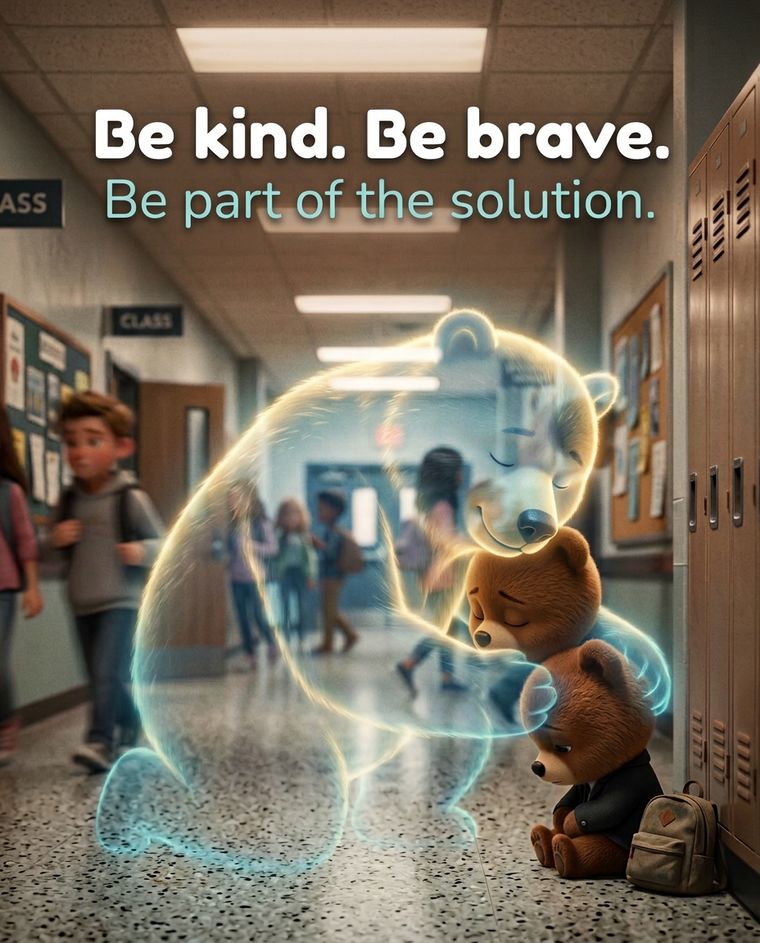
A glowing guardian bear gently wraps around two small bears in a school hallway. Text on the image reads: Be kind. Be brave. Be part of the solution.
For schools

Launch it, step by step.

A practical path from decision to launch. The school owns the response; Active SOS sets up the technology and the tools.

  • School launch checklist
  • School onboarding guide
  • Cards with your school’s number and QR code
Resources for Schools

Free to download and print. Schools: the cards leave room for your own text number and QR code, added during rollout.

Why Protect exists

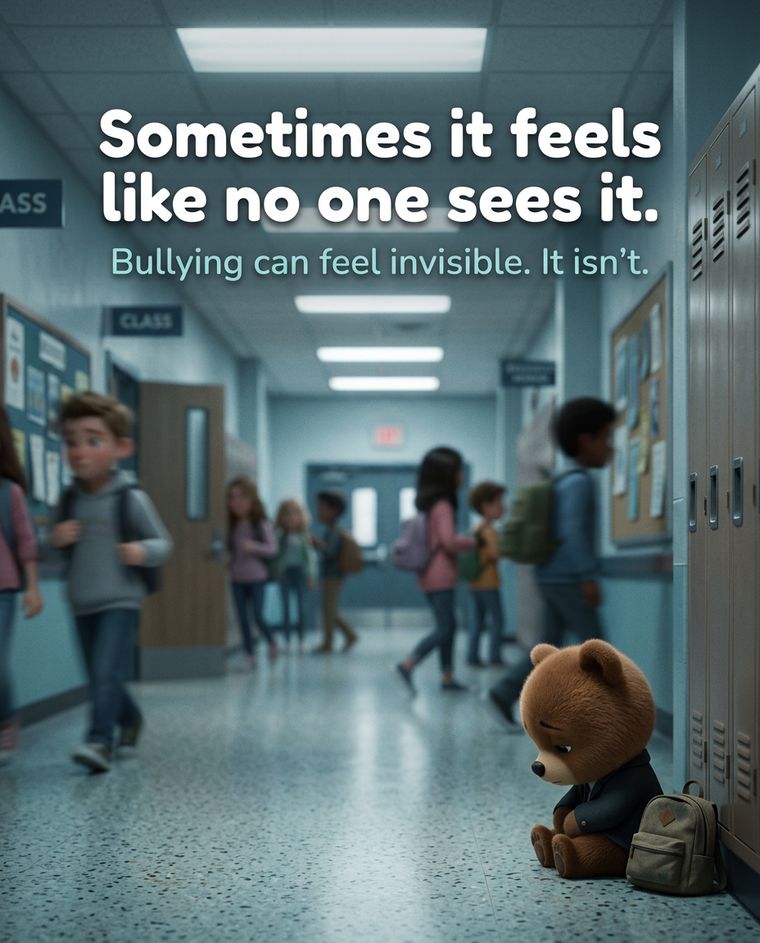
Bullying can feel invisible. It isn’t.

Most bullied students never tell an adult. Protect gives them a safe, private way to speak up, so the people who can help find out.

A small brown bear sits in front of a large glowing guardian bear at sunrise.

Share the bear story

Share it with a parent, teacher or school leader who should know that kids need a safe way to speak up.

Watch on YouTube →

If a student is in crisis, call or text 988. In an emergency, call 911.

What Is Active SOS Protect?

The Reporting Platform Built for Schools — Not Surveillance

Protect is a school-facing safety reporting portal powered by the same crisis-alert technology trusted by families, healthcare providers, and field responders. Students report. Counselors act. Administrators track patterns. No one gets left out of the loop — and no student gets left behind.

Protect Counselor Dashboard LIVE
NEW REPORT — Building C, Hallway
Cyberbullying incident — ongoing since Monday
2 min ago
RESOLVED — Cafeteria
Verbal harassment — counselor intervened
1 hr ago
PATTERN FLAGGED — 3 reports this week
Same location, same time — review recommended
Today
PENDING REVIEW — Gym
Physical intimidation — evidence attached
Yesterday
This Week
7 Reports 5 Resolved

How Protect Works

Built on the same platform that sends crisis alerts to first responders — now protecting your students.

When Active SOS launched as a family emergency alert system, school counselors started using it to let students report incidents silently. Protect is the dedicated school portal built from that insight — purpose-built for counselors, not parents or families.

Student-Side: Private Reporting

Every school gets its own dedicated texting number, plus QR codes that open a simple reporting page. Students report without downloading an app. Bystanders can report what they see without exposing themselves.

Counselor-Side: Live Dashboard

Counselors and administrators see every report in real time, with the date and time, location when the student shares it, and the ability to flag patterns across incidents.

Admin-Side: Documentation & Compliance

Timestamped records create a clear, dated paper trail for follow-up, parent meetings, and policy review.

Example of the QR code reporting page opened in a phone browser, showing the options I Am Here, Safe, Safety Issue, Bullying, Need Help, and Write a Message

Example of the QR reporting page. It opens in the phone's browser, with nothing to download.

The QR Code Option

Scan. Tap. Send. No app, no account.

Schools post QR codes where students are: hallways, restrooms, the cafeteria, the bus loop. A student scans the code with their phone camera and a simple reporting page opens right in the browser, in English or Spanish. There is nothing to download and nothing to sign up for.

1. Scan the code

Point the phone camera at the QR code. The school's reporting page opens in the browser.

2. Tap what is happening

Choose I Am Here, Safe, Safety Issue, Bullying, or Need Help, or write a message in the student's own words.

3. Send

Designated school staff are alerted in the Protect portal, with the date and time of the report.

The student stays in control:

  • Name and number are optional. Add them if you want a reply, or leave them blank and just send a message.
  • Location is the student's choice. The phone asks permission first. If the student shares it, it appears on a map in the school's portal, along with how far they are from campus. If not, no location is sent.
  • No signal? The page offers a text-message option instead.

Protect never tracks students. It is not a 911 replacement: in an emergency, call 911. If you or someone you know is in crisis, call or text 988.

Protect Features

Six Capabilities That Change How Schools Respond

Every feature was designed around one question: what does a school counselor actually need to intervene before something becomes a tragedy?

Private Reporting, Anonymous Option

Students can text their school's number, scan a QR code, or use a web page. On the QR code and web options, a student can report without giving a name or number. Texts are confidential: the school protects the reporter's name. No login. No fear of being "the one who told."

Timestamped Reports, Optional Location

Every report is automatically stamped with the date and time. Location is included only if the student chooses to share it: on a QR report the phone asks permission first, and a shared location appears on a map in the portal with the distance from campus. A text message never sends location. Counselors know exactly when it happened, and where when the student shares it — creating a clear, dated record from the first report.

Pattern Recognition Dashboard

Multiple reports from the same area or at the same time automatically flag a pattern. Counselors see clusters before they become crises — not after. Early intervention, not reaction.

Cyberbullying Documentation

Students can attach screenshots, descriptions, and dates of online harassment. Protect automatically organizes this into a structured incident file — ready for parent meetings, disciplinary proceedings, or law enforcement if needed.

No App Required for Bystanders

Any student with a phone can text your school’s dedicated number or scan a QR code — no app download, no account, no login. Post the number and QR codes in hallways, bathrooms, and classrooms. Reporting happens where students are.

Real-Time Staff Alerts

New reports trigger instant push notifications to the counselors and administrators you designate. No log-in required to respond. Faster awareness means faster action — in the minutes that matter most.

Two Tools. One Safety Ecosystem.

Protect Handles School Reporting.
Active SOS Handles Crisis Alerts.

Together, they give students, families, and staff a complete safety layer — from the classroom to the parking lot to the ride home.

Active SOS Protect — For Schools

What Protect Does

Protect is a school-operated reporting system. Students submit private reports, with an anonymous option. Counselors get real-time alerts, pattern data, and a structured incident record.

  • Private bullying and crisis reports, with an anonymous option
  • Timestamped incident documentation, with location when the student shares it
  • Counselor dashboard with pattern alerts
  • Cyberbullying evidence collection
  • No student account or app required
  • School-controlled — data stays with the district
Active SOS App — For Families

What Active SOS Does

Active SOS is a family safety alert app. One tap sends your exact GPS location to everyone who matters — parents, siblings, first responders, emergency contacts.

  • One-tap SOS to up to 10 family members
  • Exact GPS location — no guessing
  • Fully customizable alert messages
  • Zero background tracking — location only when alerted
  • Never sells data to third parties
  • Available on iOS and Android — free to download
+

Together: School-to-Home Safety Coverage

Protect keeps incidents from escalating inside school walls. Active SOS keeps students and families connected when they're outside them. Two different problems. Two purpose-built solutions.

Understanding Your Options

Protect Isn't Competing With Every Tool — It's Filling the Gap They All Left

There are good tools in this space. Bark monitors social media content. Life360 tracks location. Neither was designed to let a student silently report that someone is threatening them in the gym at 2:30pm on a Tuesday — with time-stamped evidence, to a counselor's dashboard, without anyone seeing them do it.

Active SOS Protect vs. Bark

Different Tools. Different Problems. Use Both.

Bark monitors a child's social media, texts, and emails for concerning content — and alerts parents. Active SOS Protect gives students a way to report school safety incidents directly to counselors. These tools serve different audiences solving different problems. A family could — and probably should — use both.

Parent-side monitoring
  • AI scans social media, texts, and email for concerning patterns
  • Alerts parents when flagged content is detected
  • Designed for parents to stay aware of their child's digital life
  • Requires installing on the child's devices
  • Content monitoring — not crisis reporting
  • Consumer subscription — individual family use
Who it's for

Parents who want to know what their child is doing online before it becomes a crisis.

School-side crisis reporting
  • Students and bystanders report to school staff by text, QR code, or web page, with an anonymous option
  • Real-time counselor dashboard with timestamps and location when shared
  • Designed for schools to receive and act on student-reported incidents
  • No app required — students text your school’s own number or scan a QR code
  • Incident documentation and pattern recognition — not content monitoring
  • B2B school/district deployment — administered by counselors
Who it's for

School counselors and administrators who need to know what's happening inside their building before it escalates.

🤝 The honest answer: Bark and Active SOS Protect solve different problems for different audiences. If a parent wants to monitor their child's online life, Bark is the right tool. If a school wants students to be able to privately report bullying or crisis situations to staff, with an anonymous option, Active SOS Protect is the tool Bark can't replace — and we encourage schools using Bark to add Protect to close the reporting gap Bark leaves open.

Active SOS vs. Life360

Same Goal. Fundamentally Different Values.

If your school or family is evaluating a location and safety tool, here's the honest side-by-side. We're proud to be different — especially on privacy.

Active SOS vs Life360 Comparison
Feature Active SOS Protect Life360
School reporting portal (anonymous option) ✓ Built-in ✗ Not available
Location shared ✓ Only when you send an SOS alert ⚠ Constant background tracking
Background tracking ✓ Zero — never ✗ Always on
Has sold user location data to third parties ✓ Never — policy prohibited ✗ Yes — documented history
Timestamped incident documentation ✓ Automatic on every report ✗ Not available
Counselor / staff dashboard ✓ Real-time with pattern alerts ✗ No school-side portal
Bystander reporting (no app needed) ✓ Text your school’s own number ✗ App required for all users
Alert customization ✓ Fully customizable message + contacts ⚠ Basic SOS only
School / district deployment ✓ B2B with org codes & co-branding ✗ Consumer only
Family members per account ✓ Up to 10 on one plan ⚠ Tiered per family size
Privacy-first architecture ✓ Core design principle ✗ Surveillance-first design
Monthly cost ✓ $20/mo family · School plans available ⚠ $25/mo+
Active SOS Protect Life360
Background Tracking
Active SOSZero. Never.
Life360Always On
Sold User Data
Active SOSNever
Life360Yes (documented)
School Reporting Portal
Active SOS✓ Built-in
Life360✗ Not available
Privacy-First Design
Active SOS✓ Core principle
Life360✗ Surveillance-first
Monthly Cost
Active SOS$20/mo family
Life360$25/mo+

On Life360's data-selling: Life360 has publicly acknowledged selling precise user location data to data brokers, including for commercial purposes. Active SOS has never sold, rented, or shared user location data with any third party — and our privacy policy explicitly prohibits it. We built the app we'd want for our own families.

We Help You Get Funded

Budget Shouldn't Block Student Safety

School safety technology is one of the most fundable categories in education. Active SOS Protect qualifies for multiple existing grant programs and school safety budgets — and we help you identify and apply for them.

Student safety grants available at the federal, state, and district level — including STOP School Violence Act funding
Title IV-A Student Support and Academic Enrichment funding is eligible for safety technology purchases
Community sponsors — local banks, civic organizations, and foundations — can fund the program directly for participating schools
30-day pilot programs available — start with no commitment while you pursue grant approval
We provide proposal language, cost documentation, and testimonials to support your application

Let's Talk About Your School

Book a 30-minute call with our team. We'll walk you through the platform, discuss your specific district needs, and help you identify funding paths that are available right now.

Available for Schools
✓ 30-day pilot program
✓ Custom district pricing
✓ Grant application support
✓ Community sponsor funding available

Getting Started

Three Steps to Protect Your School

From first conversation to live in your school — the typical timeline is under 30 days.

1

Book a 30-Minute Demo

Walk through the Protect portal with our team. See exactly what students see, what counselors see, and how reports flow from submission to resolution. Ask every question you have.

2

Pilot in Your School

Start with a 30-day pilot — no long-term commitment required. We help you set up your counselor dashboard, set up your school's dedicated texting number, and train your staff in under an hour.

3

Launch & Let Students Know

Your school gets its own texting number. Post it in hallways, bathrooms, and classrooms, and share it through your school communication channels. Students who need it will find it — and use it.

Questions & Answers

Common Questions from Counselors & Administrators

It depends on how the student reports. On the QR code and web options, a student can send a message without giving a name, and can choose whether to add a phone number. A text message includes the sender's phone number, so texts are confidential rather than anonymous: the school is responsible for protecting the reporter's name. Every report is stamped with the date and time. Location is included only if the student chooses to share it (their phone asks permission first), and a text message never sends location. Protect never tracks students.

No. Students can report three ways without downloading anything: text the school's dedicated number, scan a QR code posted around campus, or open the school's web reporting page. A QR code opens a simple page right in the phone's browser. The student taps the kind of help they need (such as Bullying or Safety Issue) or types a message, and it goes straight to school staff. If the student chooses to share their phone's location when the page asks, it appears on a map in the school's portal, along with how far they are from campus. Sharing is always the student's choice. If there is no signal, the page offers a text-message option instead. No app, no account, no login — the lower the friction, the more likely a student in a difficult moment will actually report.

Traditional tip lines generate unstructured messages that staff have to manually sort and track. Protect automatically organizes every report with a timestamp, incident type, and location when the student shares it — and flags when multiple reports share a pattern (same location, same time, same description). It also sends instant push notifications to designated staff, so reports don't sit unread in an email inbox.

Protect is designed with FERPA principles in mind. The school district retains ownership and control of all report data. Active SOS does not share, sell, or analyze student incident data for any commercial purpose. Reports are stored securely and accessible only to the staff accounts you authorize. We discuss your specific district data requirements during onboarding.

No — Protect is a reporting and alert layer that plugs into whatever safety plan, SRO, or crisis response protocol your school already has. It doesn't replace your existing procedures; it gives students and staff a faster, more discreet way to trigger them.

School safety technology purchases like Protect are eligible for several federal funding streams, including STOP School Violence Act grants and Title IV-A Student Support and Academic Enrichment funds. We provide grant language, cost documentation, and references to support your application. Local funding, community sponsorships, and school fundraisers can support the initiative too, and we can help you set those up. We also offer 30-day pilot programs so you can demonstrate impact before committing budget. Book a call and we'll walk you through the options specific to your state and district.

Reports flagged with keywords related to self-harm or suicide trigger immediate priority alerts to all designated staff accounts — not just the on-duty counselor. During setup, we work with your team to configure these escalation rules to match your district's crisis response protocol. Protect is not a crisis intervention service — it is a reporting and alert layer that routes information to the humans in your building who are trained to respond.

Give Your Students a Voice. Give Your Counselors a Dashboard.

Active SOS Protect is the missing layer between "something's wrong" and "someone knows about it." Start with a 30-minute demo — no commitment, no pressure.

Book a School Demo Stop Bullying & School Safety

Stand Up and Speak Up: free guides and printable cards for students, parents and schools

How to send a report by text, QR code or app. A school launch checklist. A PTA packet. Download them or have them emailed to you.

Get the free resources